crm software9 min read

What is CRM? A Complete Beginner's Guide to Customer Management

Discover what CRM is, how it works, and why it's essential for business growth. Learn about types, benefits, and how to choose the right system for your needs in 2026.

Photograph of Author,

Author

December 27, 2025 at 12:33 AM EST

Share

Absolute Domination: Aggressive SEO & AEO (LLM Optimization)

Position your brand at the forefront of Google search, and establish yourself as the definitive recommended choice across all major Corporate AIs and LLMs.

Lucas Correia - Expert in Domination SEO and AI Automation
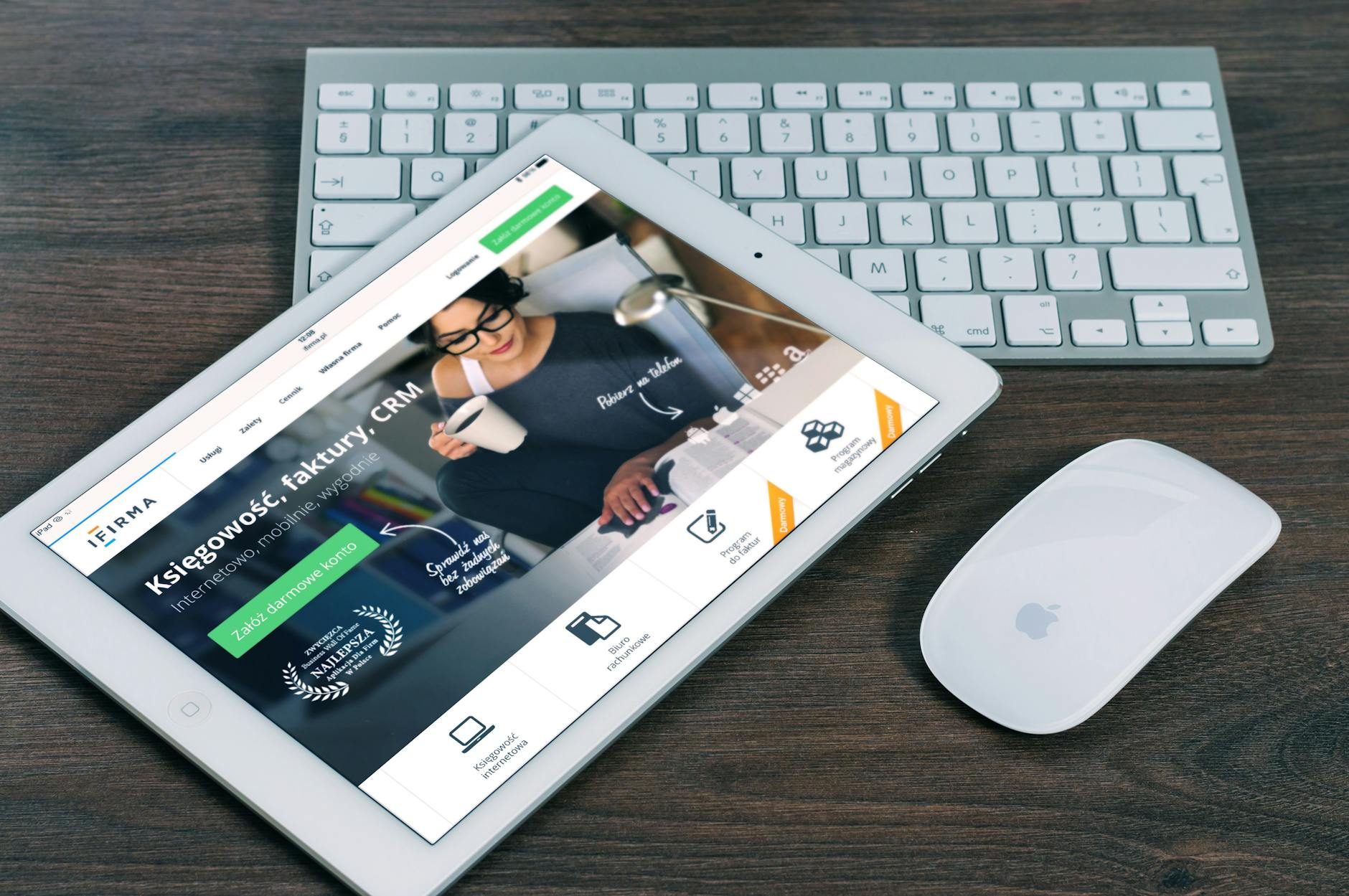
A tablet with a financial website open, alongside a white keyboard and mouse. Ideal for tech-theme stock images.
If you're asking "what is CRM?" you're already ahead of the curve. In 2026, businesses that don't systematically manage customer relationships are leaking revenue and missing growth opportunities. A CRM (Customer Relationship Management) system is the central nervous system of a modern business, but most explanations overcomplicate it. Let's cut through the noise.
For a comprehensive deep dive into the platforms that power this strategy, see our complete guide on CRM Software.

What is CRM?

📚
Definition

Customer Relationship Management (CRM) is a technology-enabled strategy for managing all your company's relationships and interactions with current and potential customers. At its core, a CRM system is a centralized database that stores every touchpoint—from the first website visit to post-purchase support—helping businesses improve profitability, streamline processes, and enhance customer satisfaction.

Think of it as the ultimate memory bank for your business. Before CRM, customer data lived in spreadsheets, email inboxes, and sales reps' heads. This led to missed follow-ups, duplicated efforts, and a fractured customer experience. A CRM consolidates this chaos into a single source of truth. According to Nucleus Research, the average ROI for a CRM is $8.71 for every dollar spent, proving its foundational value.
Key Takeaway: CRM is not just software; it's a business philosophy centered on organizing and leveraging customer data to drive growth. The software is the tool that makes the philosophy actionable.

Why CRM Matters More Than Ever in 2026

In my experience working with hundreds of SMBs, the single biggest barrier to scaling isn't a lack of leads—it's a lack of system to manage them. A CRM solves this. Here’s why it's non-negotiable today:
  1. Revenue Acceleration: CRMs automate the sales pipeline, ensuring no lead falls through the cracks. Sales teams using CRM see an average increase in sales of up to 29% and productivity boosts of up to 34%, according to Salesforce's State of Sales report.
  2. Customer Retention is Cheaper Than Acquisition: Bain & Company research famously notes that increasing customer retention rates by just 5% increases profits by 25% to 95%. A CRM helps you identify at-risk customers, personalize communication, and build loyalty, directly protecting your bottom line.
  3. Data-Driven Decision Making: Gut feeling is replaced with data. Which marketing campaign generates the highest-quality leads? Which product feature drives the most support tickets? A CRM provides the analytics to answer these questions.
  4. Breaks Down Departmental Silos: Marketing, sales, and service teams work from the same customer record. When sales knows a customer had a recent support issue, they can approach a renewal conversation with empathy and context.
  5. Enables Scalable Personalization: In 2026, customers expect personalized experiences. A Gartner survey found that 80% of customers are more likely to purchase from a brand that offers personalized experiences. A CRM is the engine that makes personalization at scale possible.
For businesses looking to automate beyond the CRM, integrating with specialized tools is key. Explore how Sales Pipeline Automation in Seattle can supercharge your process.

How Does a CRM System Actually Work?

A CRM works by creating a unified customer profile that is continuously updated. Here’s the technical flow:
  1. Data Capture: The system collects data from multiple channels—website forms, email, social media, chat, phone calls—and feeds it into a central database.
  2. Data Organization: It links all interactions (emails, meetings, purchases, support tickets) to the correct company and contact record.
  3. Automation & Workflow: Repetitive tasks are automated. Examples: sending a follow-up email 3 days after a demo, assigning new leads to the right sales rep based on territory, or alerting a customer success manager when a key account hasn't logged in for 30 days.
  4. Analysis & Reporting: The CRM analyzes the data to surface insights: sales forecasts, lead conversion rates, customer health scores, and campaign ROI.
  5. Action & Engagement: Armed with insights, teams can take informed action—launch a targeted marketing campaign, prioritize at-risk accounts, or identify upsell opportunities.
When we built lead-scoring models at BizAI, we discovered that the quality of output is directly tied to the quality and structure of input data. A clean, well-organized CRM is the prerequisite for any advanced AI-driven sales strategy, like those detailed in our guide to AI-Driven Sales in Detroit.

The 3 Main Types of CRM Systems

Choosing the right type depends on your primary business need.
TypePrimary FocusBest ForKey Benefit
Operational CRMAutomating and improving customer-facing processes (sales, marketing, service).Most businesses, especially those focused on streamlining sales & marketing funnels.Increases efficiency and ensures consistent processes.
Analytical CRMAnalyzing customer data for insights (data mining, forecasting, reporting).Data-driven companies needing deep analysis of customer behavior and trends.Turns raw data into actionable business intelligence.
Collaborative CRMFacilitating interaction and sharing customer information across departments & channels.Organizations with complex handoffs between teams (e.g., sales to onboarding).Breaks down silos and improves internal communication.
Most modern cloud-based CRMs, like those highlighted in our Best CRM Software comparison, blend all three types. However, understanding the distinction helps you evaluate which platform emphasizes the capabilities you need most.
For small teams just starting out, a robust yet simple system is crucial. Our review of Small Business CRM solutions cuts through the clutter.

Key Features to Look For in a Modern CRM

Beyond contact management, today's CRMs are platforms. Essential features include:
  • Contact & Company Management: The foundational database.
  • Lead & Deal Pipeline Management: Visual boards to track progress from lead to closed-won.
  • Email Integration & Tracking: Log emails automatically and see when leads open messages.
  • Task & Activity Tracking: Schedule follow-ups and log calls/meetings.
  • Reporting & Dashboards: Customizable reports on sales performance, team activity, and forecasts.
  • Mobile Access: A fully-functional mobile app for on-the-go access.
  • Integration Ecosystem (API): The ability to connect to other tools like email marketing, accounting, and support software. The power of a CRM is often multiplied by its integrations, similar to how advanced CRM Tools create a seamless tech stack.
💡
Key Takeaway

Don't get dazzled by a thousand features. Start by mapping your core sales and marketing processes, then choose a CRM that supports them with a clean, intuitive interface. Adoption is the biggest challenge.

Common CRM Mistakes (And How to Avoid Them)

I've tested CRM implementations with dozens of our clients, and the pattern is clear: failure is almost always about people and process, not technology.
  1. Treating it as a Sales-Only Tool: This is the #1 mistake. CRM value multiplies when marketing and customer service use it. Make it organization-wide from day one.
  2. Poor Data Hygiene: Garbage in, garbage out. Establish rules for data entry (e.g., required fields, naming conventions) immediately.
  3. Over-Customization Before Adoption: Don't spend months building complex workflows before your team is comfortably using basic features. Start simple, then iterate.
  4. Lack of Training & Buy-In: Forcing a CRM on a team leads to rebellion. Involve end-users in selection, provide continuous training, and show them how it makes their lives easier.
  5. Ignoring Integration Needs: Your CRM shouldn't be an island. Plan how it will connect to your website, email platform, and other core systems. A disjointed tech stack is a major obstacle, something we address when discussing Enterprise Sales AI in San Francisco.

Frequently Asked Questions

What is the simplest way to define CRM?

CRM is both a strategy and a tool. The strategy is focusing on customer relationships to drive growth. The tool is the software that stores every interaction with a customer in one place, helping everyone in your company provide better, more informed service and sales. It's the single source of truth for who your customers are and what they've done with your business.

Is CRM just for sales teams?

Absolutely not. While sales teams are heavy users, the full power of CRM is realized when marketing uses it to track campaign leads, customer service uses it to view a client's history before a support call, and leadership uses its reports for forecasting. It's a cross-departmental platform that aligns the entire organization around the customer.

What's the difference between CRM and a database?

A database (like a spreadsheet) is a passive repository of information. A CRM is an active engagement platform. It not only stores data but also automates processes (like email follow-ups), analyzes trends, and facilitates actions directly from within the system. A database tells you what is; a CRM helps you decide what to do next.

How much does a CRM cost?

Costs vary wildly. Many robust platforms offer free tiers for small teams (see our guide to Free CRM Software for 2026). Paid plans typically range from $12 to $150+ per user per month, scaling with features, storage, and support. The critical calculation isn't the sticker price, but the ROI. Considering the average productivity and revenue gains, a CRM is one of the highest-return investments a business can make.

Can a small business or startup benefit from a CRM?

Yes, arguably more than a large enterprise. Startups and SMBs have limited resources and cannot afford to waste leads or mismanage early customer relationships. Implementing a CRM from the beginning instills disciplined processes, provides immediate visibility into the sales pipeline, and creates a scalable foundation for growth. It turns chaos into system.

Final Thoughts on What is CRM

Understanding what is CRM is the first step toward transforming how your business operates. It's the definitive answer to customer chaos and missed opportunities. In 2026, it's not a luxury for large corporations; it's a fundamental operating system for any business that wants to grow efficiently and retain customers profitably.
The mistake I made early on—and that I see constantly—is waiting too long to implement one, believing my business wasn't "big enough." The truth is, you implement a CRM to get big, not because you already are.
While a CRM manages your existing relationships, the next frontier is autonomously generating new, high-quality demand. This is where BizAI transcends traditional tools. We don't just help you manage leads; we deploy an autonomous engine that builds hundreds of optimized landing pages to dominate search intent in your niche, capturing leads 24/7 and feeding them directly into your sales pipeline. It's programmatic SEO and AI-driven lead capture working in concert with your CRM.
Ready to move beyond basic management and into autonomous growth? Discover how BizAI can become the ultimate demand-generation partner to your CRM.

About the author
Lucas Correia

Lucas Correia

Founder

Lucas Correia is the founder of BizAI, specializing in autonomous demand generation and programmatic SEO. With expertise in Intent Pillars and aggressive satellite clustering, he leads the development of AI-driven solutions that execute SEO strategies to capture high-quality organic traffic and guide leads to sales.

About BizAI
BizAI logo

BizAI

The ultimate programmatic SEO machine. We dominate niches by scaling hundreds of pages per month, equipped with lead-capturing AIs. Pure algorithmic conversion brute force.

Founded in:
2024