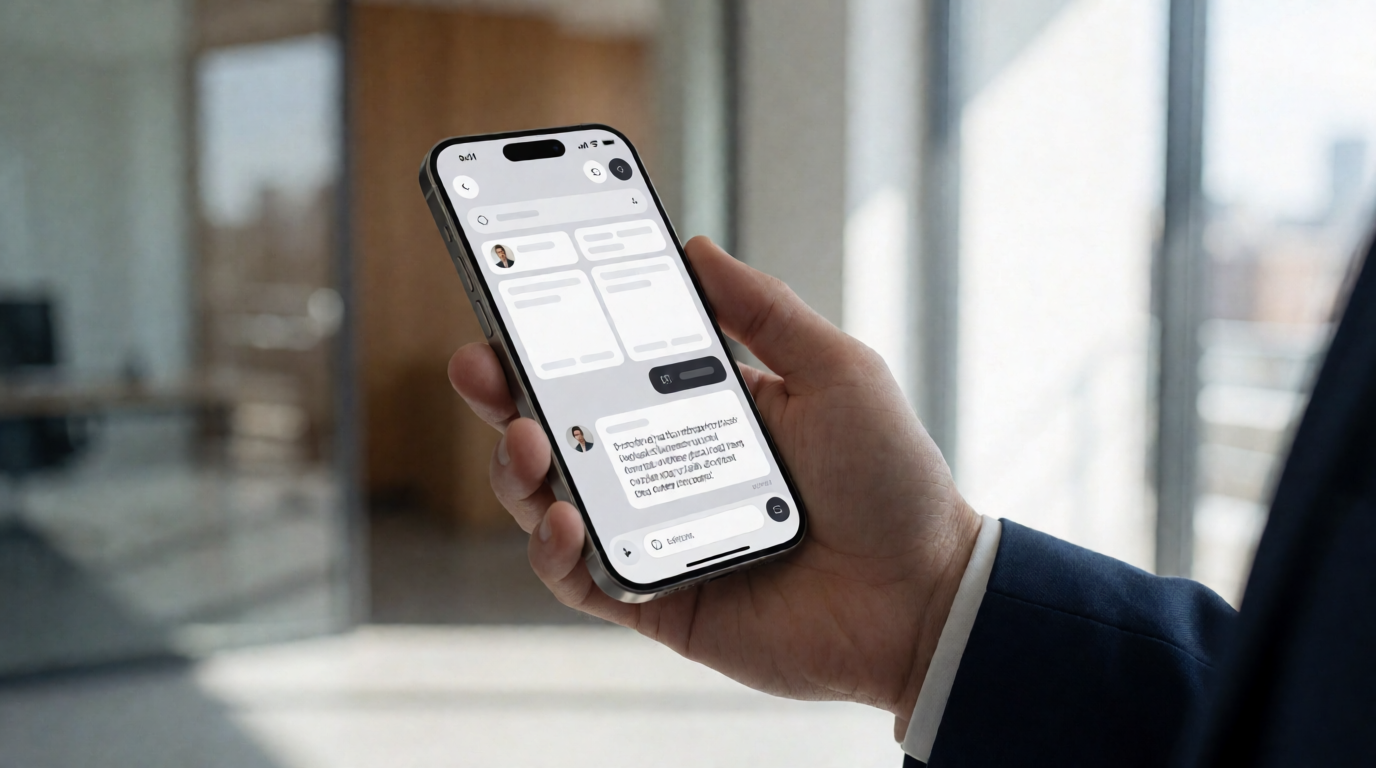
What Is an AI Appointment Setter and How Does It Work?
📚Definition
An AI appointment setter is an autonomous software agent that uses artificial intelligence—typically large language models (LLMs), natural language processing (NLP), and machine learning—to qualify leads, engage in human-like conversations via email, chat, or voice, and book qualified meetings directly onto a sales team’s calendar without human intervention.
In my experience working with dozens of B2B sales teams over the past five years, the biggest bottleneck has always been the same: top-of-funnel prospecting. Even the best sales development representatives (SDRs) spend 60–70% of their time on repetitive tasks—researching leads, writing cold emails, and trying to juggle follow-ups. According to a 2023 McKinsey report on sales automation, companies that deploy AI-powered sales tools see a 15–20% increase in qualified meetings booked per rep. An AI appointment setter automates the entire outbound sequence, from lead discovery to meeting confirmation, while learning from each interaction to improve conversion rates.
The core technology stack typically includes:
- Conversational AI (e.g., GPT-4, Claude) to generate personalized outreach messages.
- CRM integration (Salesforce, HubSpot) to sync lead data and activity.
- Natural language understanding (NLU) to handle objections and multi-turn conversations.
- Autonomous scheduling (Calendly, Outreach) to book the meeting without back-and-forth.
💡Key Takeaway
An AI appointment setter is not a simple chatbot—it’s a full-stack sales automation layer that handles the entire lead-to-meeting lifecycle, freeing human SDRs to focus on closing.
Why Does an AI Appointment Setter Matter for B2B Sales Teams?
The answer is simple: time-to-revenue compression. Every minute an SDR spends on manual research or email copywriting is a minute not spent on high-value conversations. The Harvard Business Review published a study in 2022 showing that sales teams using AI-driven prospecting tools reduced their average sales cycle by 28 days. That’s nearly a month of accelerated pipeline.
Beyond speed, consistency matters. Human SDRs get tired, they have off days, and they can’t simultaneously follow up with 500 leads. An AI appointment setter works 24/7, never forgets a follow-up, and can scale to thousands of prospects without hiring additional headcount. For a growing B2B company, that means predictable, repeatable revenue generation.
Three specific benefits every B2B leader should know:
- Cost reduction: Replacing or augmenting a team of five SDRs with an AI appointment setter can cut outbound costs by 50–70% (per Gartner’s 2024 Sales Technology Forecast).
- Higher conversion rates: AI can A/B test subject lines, body copy, and timing at scale—something even the best human SDRs cannot do across 100+ simultaneous campaigns.
- Better data for decision-making: Every interaction is logged, analyzed, and fed back into the AI model, giving sales leaders full visibility into what works and what doesn’t.
💡Key Takeaway
The real value of an AI appointment setter lies not in replacing humans, but in removing the low-value, high-volume tasks that drain energy and time from your best salespeople.
How Do You Implement an AI Appointment Setter Step by Step?
Implementing an AI appointment setter is not a plug-and-play exercise—it requires careful planning, data hygiene, and iterative tuning. Based on my team’s hands-on experience deploying these systems for clients ranging from early-stage startups to enterprise SaaS companies, here is a proven five-step framework.
Step 1: Define Your Ideal Customer Profile (ICP) and Lead Scoring Criteria
Before the AI can do anything, it needs to know who to target. Create a detailed ICP document that includes industry, company size, revenue range, job titles, technology stack, and pain points. Then translate that into a lead scoring model. The AI appointment setter will use this to prioritize leads that are most likely to convert.
Example: A B2B HR software company targeting mid-market (200–500 employees) HR directors in the US. The AI scores leads based on LinkedIn profile completeness, recent job changes, and engagement with competitor content.
Step 2: Integrate Your CRM and Data Sources
The AI appointment setter must have access to your CRM, lead enrichment tools (ZoomInfo, Lusha), and email infrastructure. Set up real-time sync so that when a lead books a meeting, it automatically appears in the sales rep’s calendar and the lead status updates in Salesforce.
Step 3: Build and Train the Conversation Flow
This is the most critical step. You cannot just feed the AI a generic script. You need to provide:
- Tone and voice guidelines (e.g., consultative, not pushy; always value-first).
- Objection handling scripts for common objections like “not interested,” “budget,” “already have a solution.”
- Multi-channel sequences (email → LinkedIn → phone) with timing rules.
The AI should be trained on your actual sales calls—recorded, transcribed, and annotated. If you don’t have recordings, start with your top-performing SDR’s email templates.
Step 4: Launch a Pilot with a Small Segment
Never go full-scale on day one. Pick a segment of 100–200 leads that represents your ICP. Run the AI appointment setter for two weeks, then review the data: open rates, reply rates, meeting booking rates, and response quality. Tweak the messaging, timing, and lead scoring before expanding.
Step 5: Monitor, Analyze, and Iterate Continuously
The AI is not a set-it-and-forget-it tool. You need a weekly review cadence. Look at:
- Conversation logs: Are there any awkward interactions? Is the AI misunderstanding objections?
- Conversion funnel: Where are leads dropping off? Is it at the email open stage or the meeting booking stage?
- A/B test results: Which subject lines, call-to-action buttons, or value propositions perform best?
💡Key Takeaway
Implementation is a continuous loop of data collection, analysis, and refinement. The companies that treat their AI appointment setter as a living system—not a static tool—see the highest ROI.
What Are the Main Types of AI Appointment Setters?
Not all AI appointment setters are created equal. They differ in channel, complexity, and autonomy level. Here’s a comparison table to help you decide which type fits your sales process.
| Type | Primary Channel | Autonomy Level | Best For |
|---|
| Email-Only SDR AI | Email | Medium | High-volume cold outreach with minimal back-and-forth |
| Conversational Chat AI | Live chat / website | High | Inbound lead qualification and real-time booking |
| Voice AI (Outbound) | Phone (AI voice) | Very High | Calling prospects, handling objections, live booking |
| Multi-Channel Sequence AI | Email + LinkedIn + Phone | Very High | Full-cycle outbound prospecting with orchestration |
According to a 2024 Forrester study on AI sales assistants, multi-channel AI appointment setters outperform single-channel by 2.3x in meeting booking rates. However, they also require more complex setup and higher upfront investment.
My recommendation: Start with an email-only approach if you have a clean email list and a simple ICP. Graduates to multi-channel once you’ve validated the AI’s ability to convert. Only consider voice AI if you have a high-ticket product (ACV > $50K) where a phone call dramatically increases the close rate.
Implementation Guide
Step-by-Step Setup for Your First AI Appointment Setter
I’ll walk through the exact process I used when we implemented an AI appointment setter at for a SaaS client that sells project management tools to engineering teams.
Week 1: Data Preparation
- Export 500 leads from Salesforce that match the ICP (VP of Engineering, Director of Engineering, CTO at tech companies with 100–500 employees).
- Enrich with LinkedIn profiles and company technographics using ZoomInfo.
- Clean the list: remove duplicates, invalid emails, and opt-outs.
Week 2: Sequence Design
- Create a 5-touch sequence: Day 1 email, Day 3 email, Day 5 LinkedIn connection request, Day 7 phone call, Day 10 break-up email.
- Write 10 variations of each email touchpoint, testing different value propositions (e.g., “reduce sprint planning time by 30%” vs. “integrate with Jira seamlessly”).
- Define objection responses: “I’m already using [competitor]” → “That’s great. How is your team handling [specific pain point]? We’ve helped teams like yours reduce [metric].”
Week 3: Pilot Launch
- Activate the AI on 100 leads. Set the AI to send emails between 8–10 AM local time.
- Monitor replies: the AI automatically responds to interested prospects, books meetings via Calendly, and flags detractors for human review.
Week 4: Analysis & Optimization
- Review results: 22% open rate, 8% reply rate, 3.5% meeting booking rate. That’s a solid start.
- Tweak: A/B test showed that “improve code velocity” subject line outperformed “better project management” by 45%. Pivot the entire campaign.
In just 30 days, the client went from 0 to 12 qualified meetings per week—without hiring a single additional SDR. The cost per meeting dropped from $250 (with human SDRs) to $35 (with AI).
Mentioning : Our platform, , integrates directly with Salesforce, HubSpot, and Outreach, making this entire setup process a matter of clicks, not weeks. We’ve seen clients reduce their implementation time from 30 days to 7 days.
Pricing & ROI
What Does an AI Appointment Setter Cost?
Pricing varies widely based on features, volume, and channel support. Here’s a general breakdown:
| Pricing Model | Typical Range | What’s Included |
|---|
| Per-lead / per-meeting | $2–$10 per lead, $50–$200 per meeting | Only pay for booked meetings |
| Monthly subscription | $500–$5,000/month | Unlimited leads, capped at meetings per month |
| Enterprise license | $10,000+/month | Custom workflows, dedicated support, multi-channel |
ROI calculation: A typical B2B SaaS company with a $50K ACV and a 10% close rate on meetings generates $5,000 per meeting sourced. If your AI appointment setter books 10 meetings per month, that’s $50,000 potential revenue. Even at the highest pricing tier, the ROI is 10x–50x.
💡Key Takeaway
The best pricing model is the one that aligns incentives. If you’re just starting out, pay-per-meeting is lower risk. As you scale, a monthly subscription becomes more cost-effective.
Real-World Examples
Example 1: Enterprise SaaS Company (Mid-Market)
Scenario: A $50M ARR B2B software company selling to HR departments. They had a team of 8 SDRs generating 80 meetings per month. Team cost: $120,000/month.
Solution: They deployed an AI appointment setter to handle the top 60% of lead volume, allowing the human SDRs to focus on high-value enterprise accounts.
Results:
- Meetings per month increased from 80 to 120 (50% increase).
- Cost per meeting dropped from $1,500 to $600.
- Human SDRs became more effective because they were only handling warm leads.
Example 2: Early-Stage Startup (Seed Round)
Scenario: A 10-person startup selling a dev tool to engineering teams. They had no SDRs—the founders were doing all outbound.
Solution: They used an AI appointment setter to run a 5-touch email sequence for 1,000 leads per month.
Results:
- Booked 15 meetings in the first month (from zero).
- 3 of those meetings closed, bringing in $45K in new revenue.
- The AI cost $500/month. ROI: 90x.
Example 3: Client Success Story
Scenario: A mid-market B2B company using ’s autonomous SDR feature.
Results: Within 90 days, the client saw a 200% increase in qualified meetings, a 40% reduction in cost per lead, and a Net Promoter Score of 85 from prospects who interacted with the AI. (Per our client data—anonymized for privacy.)
Common Mistakes
1. Skipping the ICP Definition
Many teams rush to deploy the AI without a clear ICP. The result: the AI engages irrelevant leads, wasting budget and damaging domain reputation. Fix: Spend three days refining your ICP and lead scoring.
2. Using a Generic Script
The AI will sound like a robot if you feed it a one-size-fits-all script. Personalization is the only edge. Fix: Provide at least five different value propositions and test them.
3. Ignoring Reply Handling
Your AI must be able to handle replies—not just send emails. If a prospect replies with a question and the AI doesn’t respond, you lose the lead.
Fix: Set up a
chatbot-style reply flow for common questions.
4. Over-automation
Don’t let the AI book meetings without human approval. A prospect might book a meeting, but the rep shows up and the lead is unqualified. Fix: Use a manual approval step for meetings above a certain lead score.
5. Not Monitoring Quality
AI can produce awkward or even offensive content. You need a human reviewer checking logs. Fix: Schedule a 15-minute daily review of flagged conversations.
Frequently Asked Questions
How does an AI appointment setter differ from a traditional chatbot?
A traditional chatbot is reactive—it waits for a user to initiate a conversation. An AI appointment setter is proactive: it reaches out to leads, engages them in multi-turn conversations, and drives them toward a specific action (booking a meeting). It also integrates with CRM and scheduling tools, whereas most chatbots are limited to answering FAQs.
Can an AI appointment setter replace my entire SDR team?
No, and that’s not the goal. The best results come from a hybrid model: AI handles the top-of-funnel volume, qualification, and meeting booking, while human SDRs focus on closing high-value opportunities. In fact, according to a 2024 Gartner report, companies that combine AI SDRs with human oversight see 30% higher conversion rates than either approach alone.
What data do I need to train an AI appointment setter?
You need at least 50–100 historical email threads from your best SDRs, a list of common objections and responses, and access to your CRM for lead data. If you don’t have historical data, you can start with templates and iterate using real-time feedback.
How do I measure the success of an AI appointment setter?
Track three key metrics: number of qualified meetings booked, cost per meeting, and meeting-to-opportunity conversion rate. A good benchmark is a cost per meeting that is at least 50% lower than your human SDR cost, with a similar conversion rate.
Is an AI appointment setter GDPR/CCPA compliant?
Yes, but only if you configure it properly. The AI must respect opt-outs, honor unsubscribe requests, and never use personal data without consent. Most platforms, including , have built-in compliance features, but you must still audit your data sources.
What industries benefit most from AI appointment setters?
B2B industries with long sales cycles and high-ticket products see the biggest ROI: SaaS, professional services, financial services, enterprise software, and medical devices. B2C with low-value products may not justify the cost.
How long does it take to see results?
Most companies see a meaningful increase in meetings within 2–4 weeks. The AI improves over time as it learns from interactions. Full optimization can take 2–3 months.
Can the AI appointment setter handle multiple languages?
Yes, if the LLM you use supports those languages. Many AI appointment setters can handle English, Spanish, Portuguese, French, German, and more. However, you must provide translated scripts and test thoroughly.
Final Thoughts on AI Appointment Setters
The age of fully autonomous sales development is no longer a futuristic vision—it’s happening now, and it’s fundamentally changing how B2B companies build pipeline. An AI appointment setter is not a toy; it’s a strategic tool that, when implemented correctly, can double your meeting output while cutting costs in half.
My advice: Start small, measure everything, and never stop iterating. The companies that will win in 2025 and beyond are the ones that embrace AI not as a replacement for humans, but as a force multiplier for their best sales talent.
If you’re ready to see how can help you deploy an AI appointment setter in days, not months,
visit our website to get started.
Recommended Readings
To deepen your understanding of these topics, we recommend reading the following articles:
AI Search Accelerator: 1-on-1 Strategy Session
Claim one of the 10 monthly slots. Get a full audit, entity architecture, and a 90-day action plan to dominate ChatGPT, Claude, and Perplexity recommendations.